
Verify Who You Are Dealing With
Certified by Suruhanjaya Syarikat Malaysia (SSM) • Instant Results
Every payment, partnership, and contract begins with a question: is this company who they say they are? An SSM company search gives you the answer – not from a third-party database, directly from the official Suruhanjaya Syarikat Malaysia registry. Registration status, director details, shareholder structure, business activities – verified in seconds, from the source.
 Results in Minutes
What You Get with Our SSM Company Search
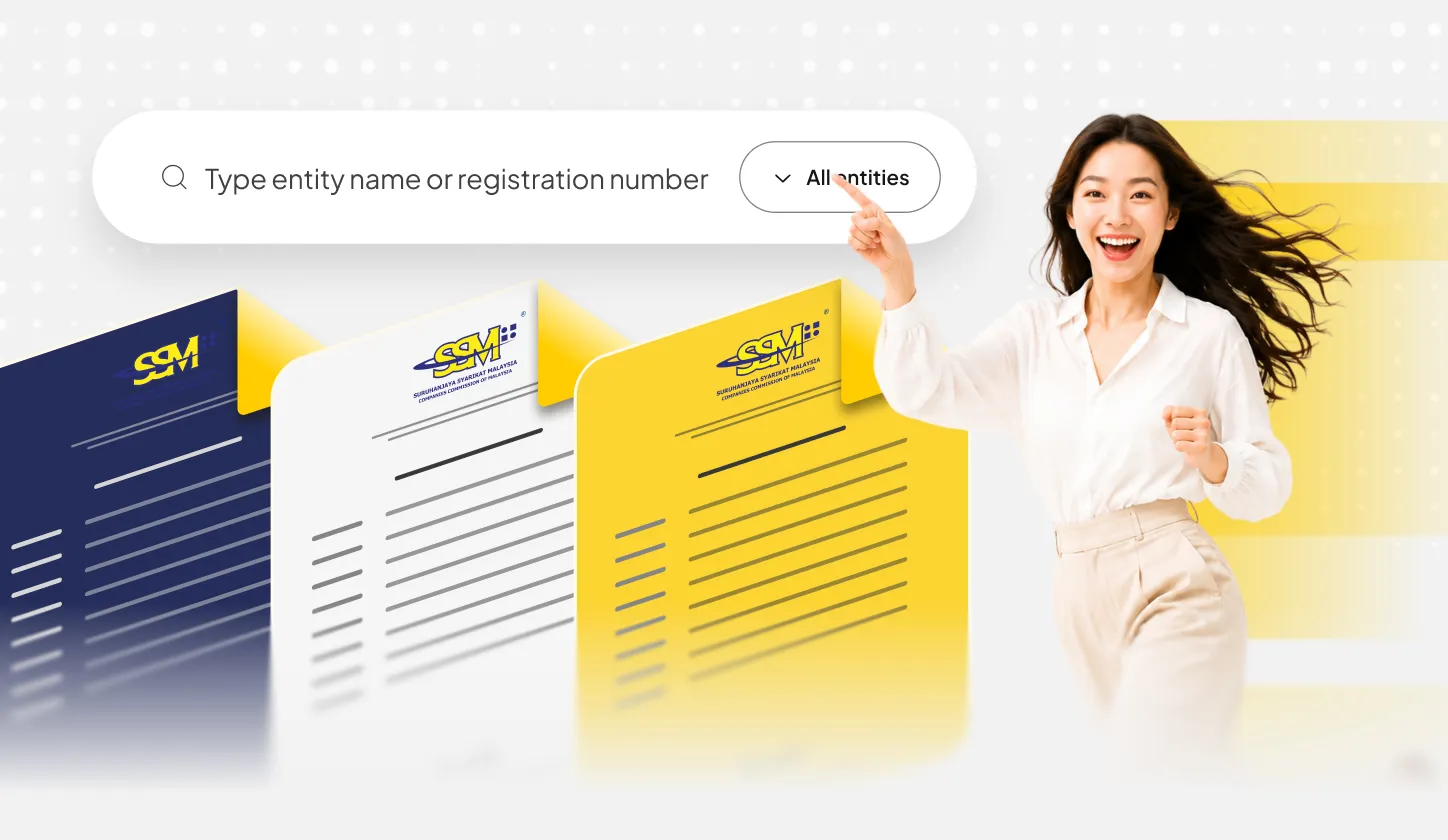
Director & Shareholder Insights
Complete list of current and previous directors, appointment dates, IC or passport numbers as filed under the Companies Act 2016, and roles they hold (Director, CEO, Manager, Company Secretary).

Official Business Status
Instantly check if a company is currently "Active," "Struck Off," "Liquidated," or "Dissolved"

Shareholder and Capital Structure
Authorised and paid-up share capital, current shareholders by name, shareholding percentages, and allotment dates. This tells you who controls the company – not just who runs it.

Registered Office Details
Identify the legal registered address and secretary information for any business in Malaysia.
Why Professionals Choose Our SSM Company Search Platform
Plan Value
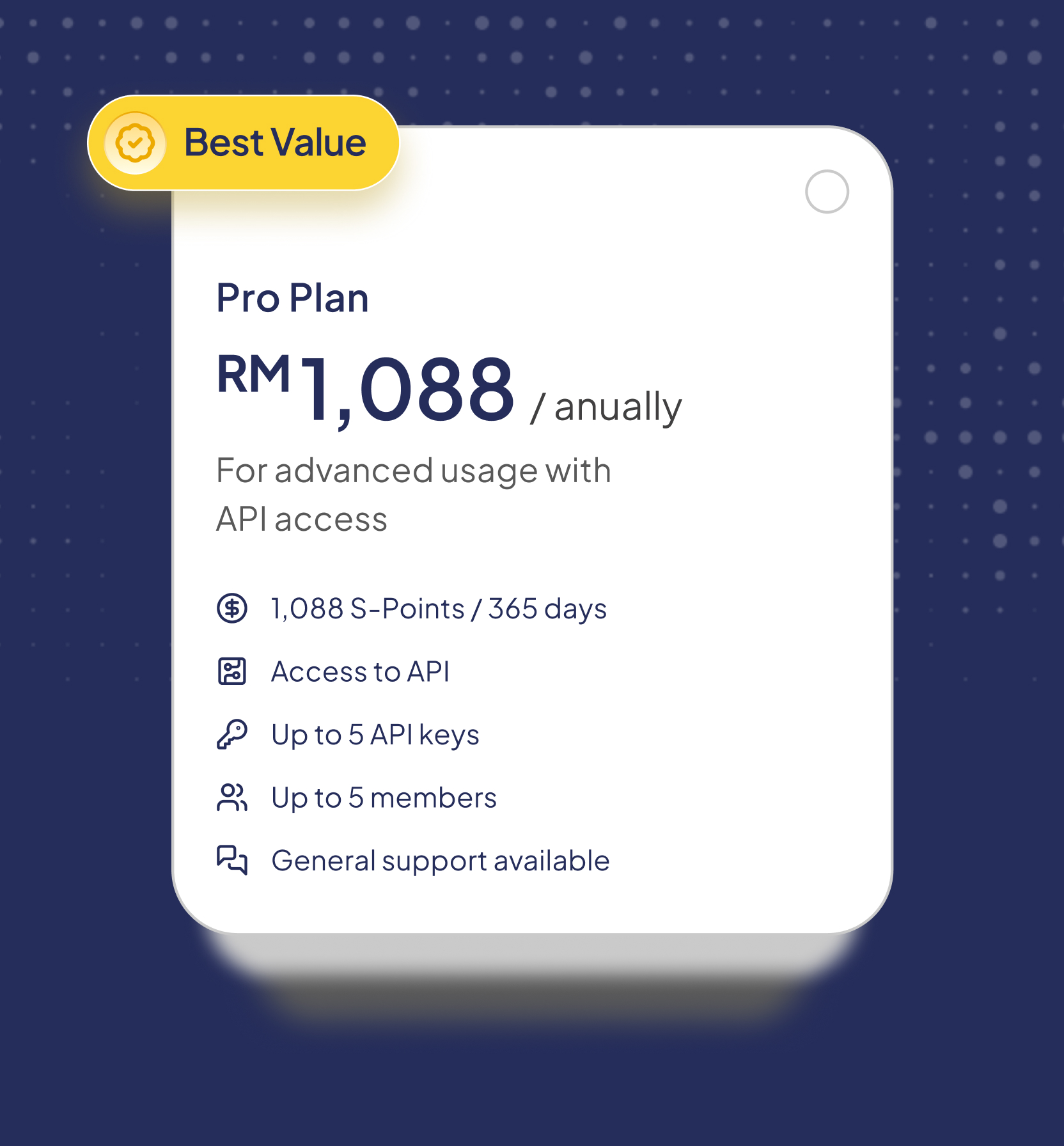
Get started with our Pro Plan for a RM1,088 subscription fee and receive 5 free downloads immediately upon signup to kickstart your business verification process.

Secure & Confidential
Your search history and payment details are protected by enterprise-grade encryption.
Real-Time Data Sync
We pull information directly from the SSM database, ensuring 100% accuracy at the time of your search.
Instant Document Delivery
No waiting periods. Once your SSM company search is complete, your PDF report is ready for immediate download.
Verify who you're dealing with — run an SSM company search now
Instant Document Delivery
No waiting periods. Once your SSM company search is complete, your PDF report is ready for immediate download.
Plan Value
Get started with our Pro Plan for a RM1,088 subscription fee and receive 5 free downloads immediately upon signup to kickstart your business verification process.
Real-Time Data Sync
We pull information directly from the SSM database, ensuring 100% accuracy at the time of your search.
Secure & Confidential
Your search history and payment details are protected by enterprise-grade encryption.
Verify who you're dealing with — run an SSM company search now
Instant Document Delivery
No waiting periods. Once your SSM company search is complete, your PDF report is ready for immediate download.
Plan Value
Get started with our Pro Plan for a RM1,088 subscription fee and receive 5 free downloads immediately upon signup to kickstart your business verification process.
Real-Time Data Sync
We pull information directly from the SSM database, ensuring 100% accuracy at the time of your search.
Secure & Confidential
Your search history and payment details are protected by enterprise-grade encryption.
Verify who you're dealing with — run an SSM company search now
Who Runs an SSM Company Search and Why

Legal Counsel and Litigation Firms
Before filing a suit or drafting a contract, legal teams need to confirm the opposing or contracting party is a legally existing entity capable of being sued or bound. An SSM company search confirms the registered name for accurate pleadings, the registered address for service of documents, and the current directors for identifying the responsible officers. For winding-up petitions and statutory demands, having the correct registered name and address is not optional.

Banks and Financial Institutions
KYC (Know Your Customer) and AML (Anti-Money Laundering) requirements mandate that banks verify the identity and legitimacy of corporate customers. An SSM company search provides the foundation of this verification: registered entity, active status, authorised directors, and shareholder composition. For higher-risk transactions, a Certified True Copy (CTC) is typically required over a standard digital profile.

Accounting and Audit Firms
Before accepting a new corporate client, auditors use SSM company searches to verify the client's registered details, confirm the directors named in engagement letters match those on the official register, and check filing compliance history. During audit fieldwork, SSM data provides independent verification of the information management has provided.

SME Owners and Entrepreneurs
Before entering a partnership, appointing a new distributor, or responding to a tender invitation, business owners use SSM searches to answer a basic question: is this company legitimate? A quick search on a counterparty's name and registration number takes less than five minutes and can prevent months of commercial dispute.
Legal Counsel and Litigation Firms
Before filing a suit or drafting a contract, legal teams need to confirm the opposing or contracting party is a legally existing entity capable of being sued or bound. An SSM company search confirms the registered name for accurate pleadings, the registered address for service of documents, and the current directors for identifying the responsible officers. For winding-up petitions and statutory demands, having the correct registered name and address is not optional.
Accounting and Audit Firms
Before accepting a new corporate client, auditors use SSM company searches to verify the client's registered details, confirm the directors named in engagement letters match those on the official register, and check filing compliance history. During audit fieldwork, SSM data provides independent verification of the information management has provided.
Banks and Financial Institutions
KYC (Know Your Customer) and AML (Anti-Money Laundering) requirements mandate that banks verify the identity and legitimacy of corporate customers. An SSM company search provides the foundation of this verification: registered entity, active status, authorised directors, and shareholder composition. For higher-risk transactions, a Certified True Copy (CTC) is typically required over a standard digital profile.
SME Owners and Entrepreneurs
Before entering a partnership, appointing a new distributor, or responding to a tender invitation, business owners use SSM searches to answer a basic question: is this company legitimate? A quick search on a counterparty's name and registration number takes less than five minutes and can prevent months of commercial dispute.
Get Your SSM Company
Search Report Instantly
Join thousands of Malaysian professionals
making informed decisions today.
Common Questions About
SSM Company Search
Visit SSM Search official page, enter the company name or registration number at the search bar. The result shows the company's registration status, registered address, director list, shareholder composition, and current standing – drawn directly from the Suruhanjaya Syarikat Malaysia registry in real time.
A basic name search to confirm a company exists is typically available free on SSM Search platforms. Accessing the full company profile – including directors, shareholders, financial history, and certified documents – requires a paid report. Pricing varies by report type.
A standard SSM company profile includes: full legal name, 12-digit registration number, date of incorporation, entity type, current status, registered address, Company Secretary details, list of current and previous directors with appointment dates, shareholder listing with percentages, share capital structure, and the dates of the most recent statutory filings.
Confirm the company name on the invoice matches the SSM-registered name exactly. Verify the registration number resolves to the same entity. Check the status is Active. Review the director list to confirm the person you are dealing with is actually registered. Review the filing history for compliance.
Yes. An SSM company search returns the current director list, including each director's full name, IC or passport number, date of appointment, and role. Previous directors are also recorded for a historical period, allowing you to see changes in leadership over time.
A Certified True Copy is an officially certified version of an SSM document that carries legal standing for use in court proceedings, banking KYC, government tender submissions, and formal compliance processes. It differs from a standard profile download in that it bears a digital certification stamp. Banks and courts typically require CTC format rather than a standard download.
Yes. SSM Search platforms connect to the official SSM registry via direct API integration. The data returned is the same source as what SSM holds – it is not scraped, cached from third parties, or manually entered. The difference is delivery speed, interface, and the ability to generate formatted reports instantly.
SSM Search update in real time as companies file changes with the registry. Director appointments, resignations, address changes, share allotments, and status changes are reflected as soon as SSM processes the relevant filing. The data you see reflects today's official registry record.
A company that has been struck off has been removed from the SSM register – typically for failing to file annual returns. It no longer legally exists and cannot enter contracts, hold assets, or conduct business. Directors of struck-off companies may retain personal liability for obligations incurred before removal. Do not release payment or sign contracts with a struck-off entity.
Yes. SSM-authorised platforms support both the legacy pre-2016 alphanumeric format and the current 12-digit MyCoID format. Enter either format and the system will resolve to the correct entity. If a legacy number returns no result, try searching by the company name to locate the current 12-digit number.
Guides: Getting the Most
from Your SSM Search
How to Perform an SSM Company Search
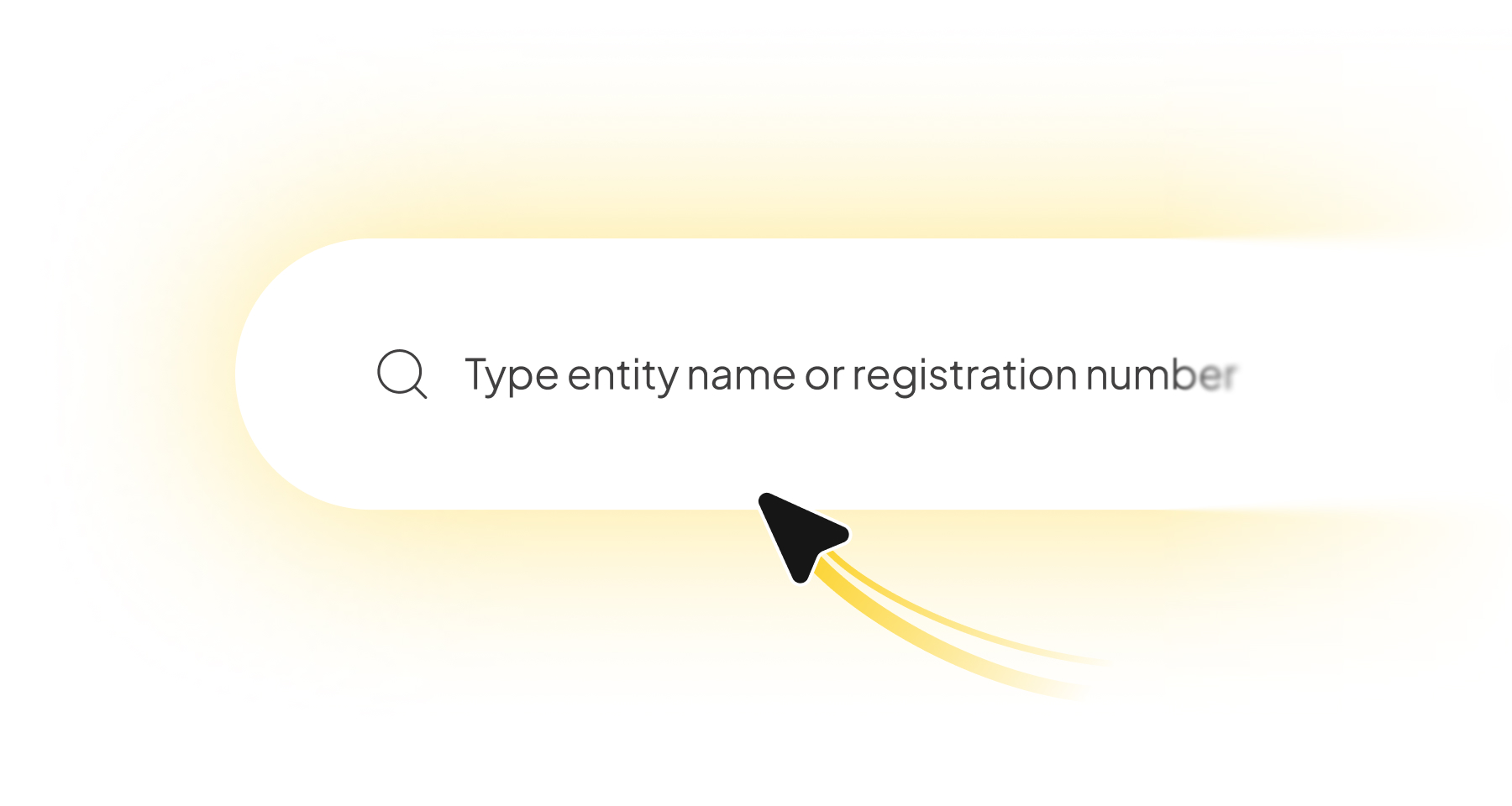
01
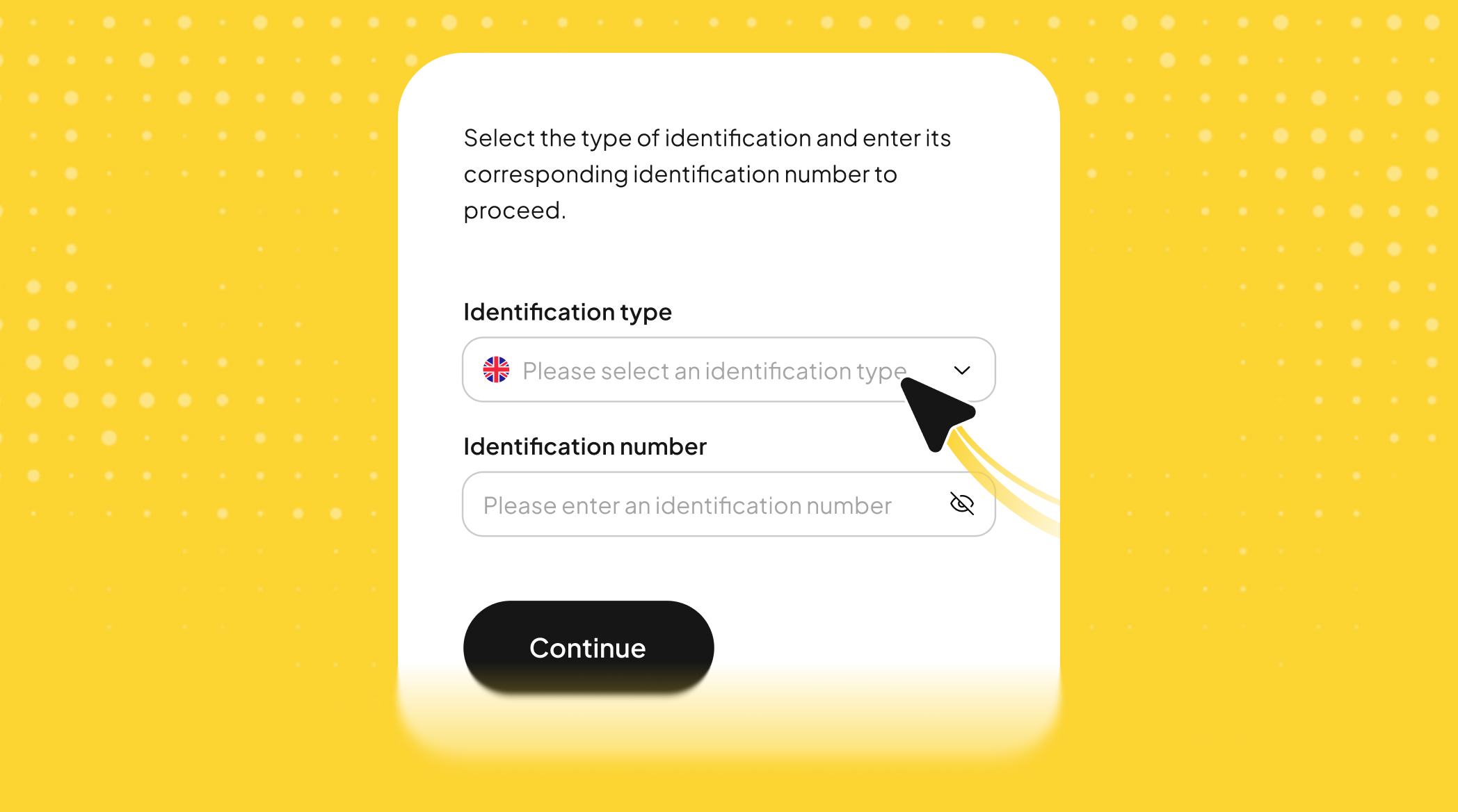
Enter Entity Details
Visit SSM Search official page, enter the company name or registration number at the search bar.
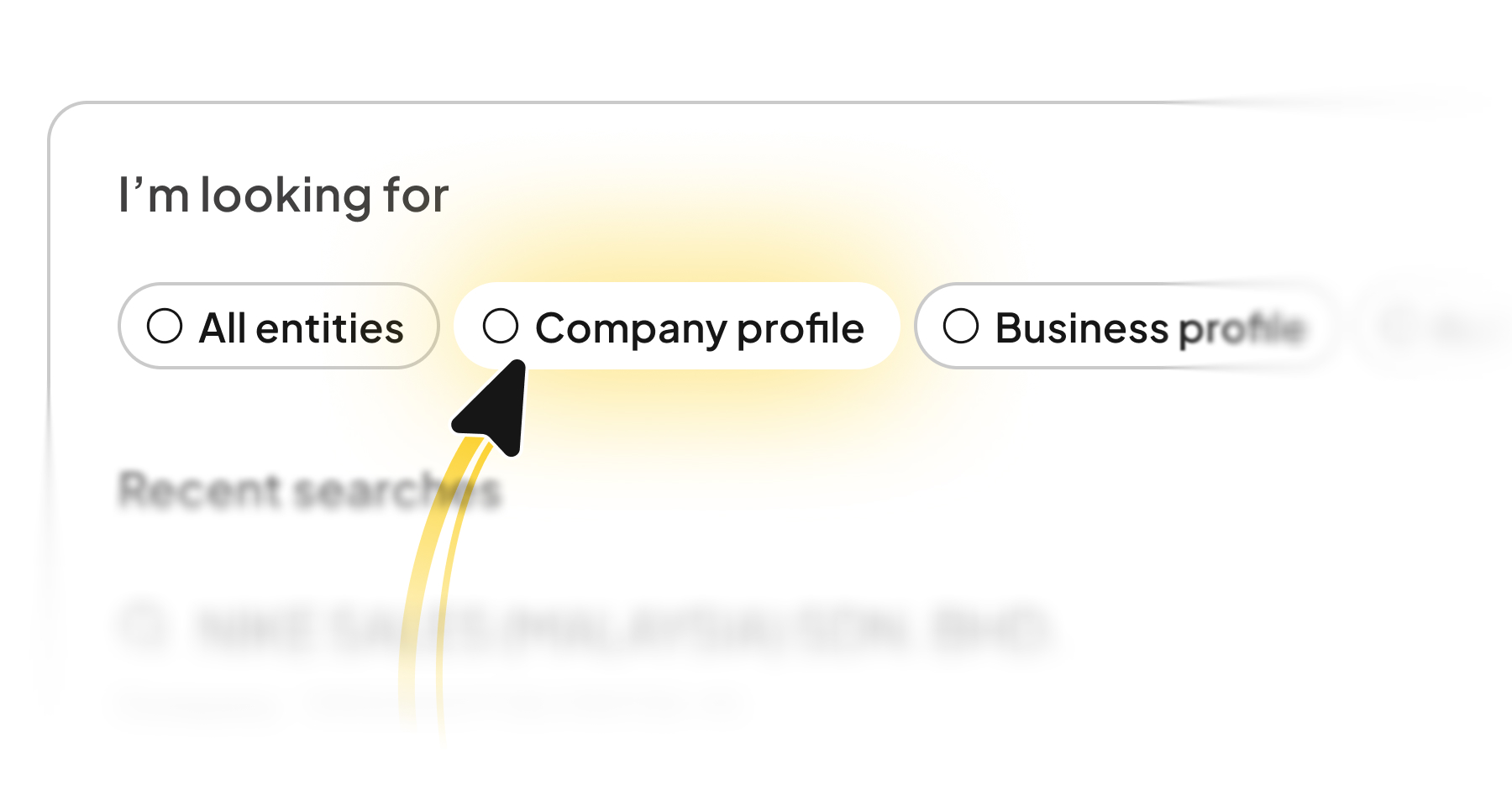
02
Select Document Type
Choose between a basic Business Profile, a full Company Profile, or specific certificates like the Certificate of Incorporation, Director Particulars, Shareholder Listing.
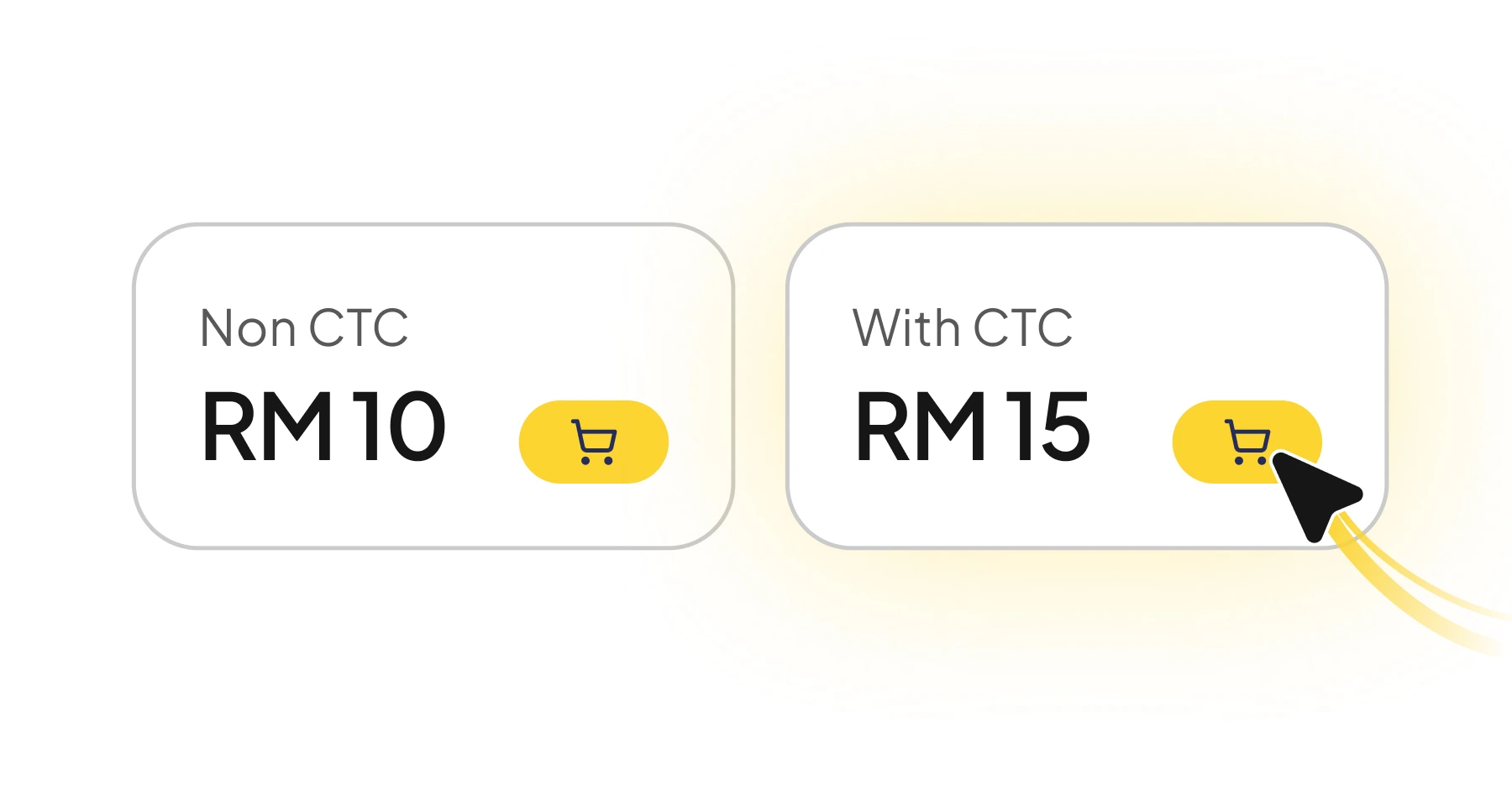
03
Choose Certification
Select "CTC" if the document will be used for banking, legal, or government compliance.
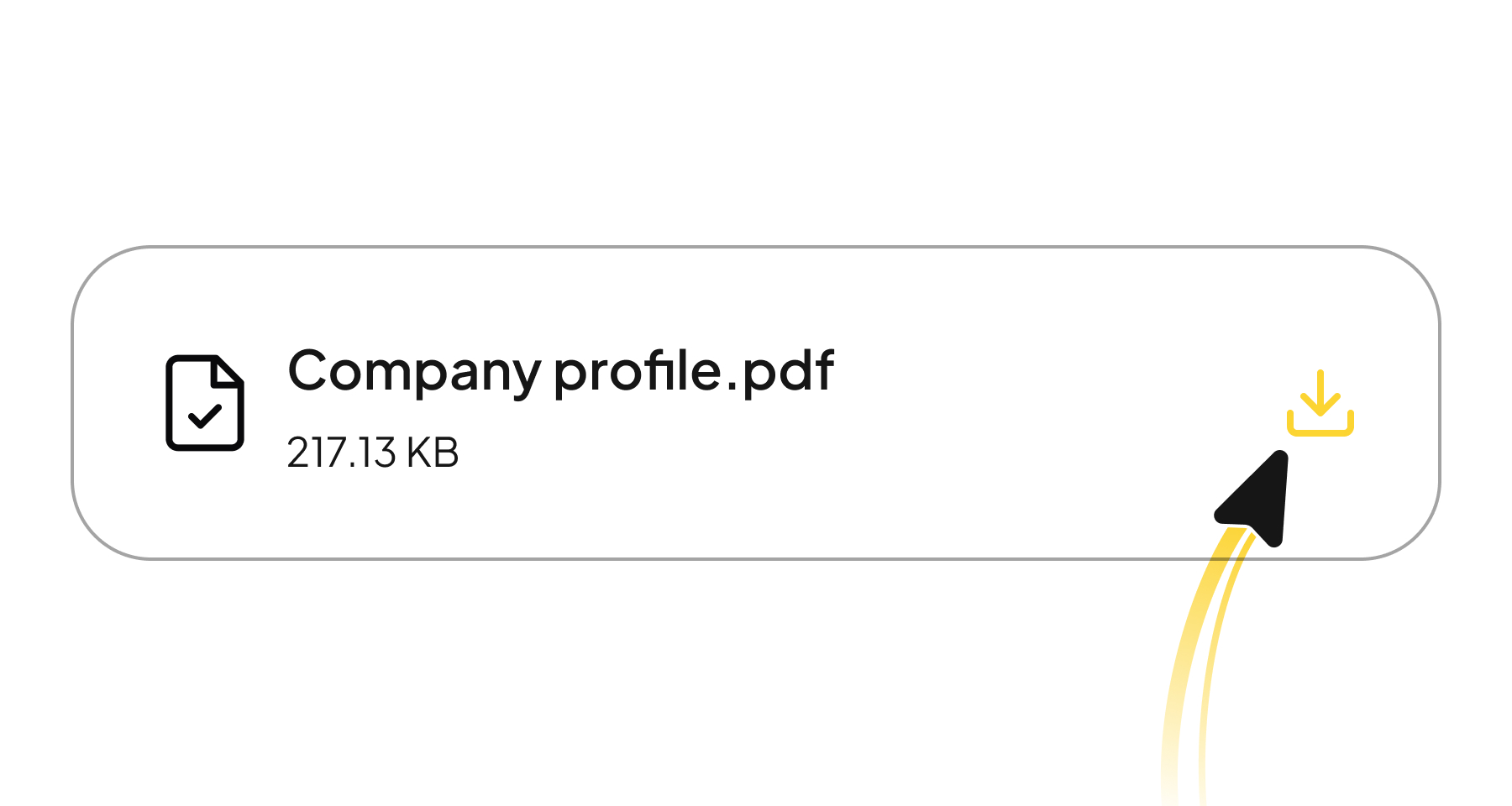
04
Instant Checkout
Your report is generated instantly and available in your dashboard as a PDF – Pay and download
Understanding Your
Search Results

Once you have your company profile, use these sections to guide your analysis:
- Director Particulars: Check appointment dates against your contract timeline. A director appointed very recently may not have the authority you are assuming they hold.
- Shareholder Listing: Compare the stated owner with the person representing the company. Discrepancies between who runs the company and who owns it can indicate undisclosed structures.
- Filing History: Annual return date is your compliance indicator. No recent filing means the company may be at risk of administrative strike-off regardless of how Active it appears today.
Related Searches
After your company search, consider running a Director Search to see the full business involvement of key individuals, or a Financial Report to assess the company's financial health before committing to a large contract.
- Director Search: See every company the directors of this entity are involved with. A director connected to multiple struck-off or wound-up entities is a risk signal the company profile alone will not reveal.
- Shareholder Search: Map the full ownership chain. If a corporate shareholder owns this company, find out who owns that corporate shareholder.
- Financial Report: Review the last filed balance sheet and profit and loss statement. Revenue growth claims mean little without the audited figures behind them.

Empowering Your Business
with Transparent Data
SSM Search is an authorised platform providing direct access to official Suruhanjaya Syarikat Malaysia registry data. Our infrastructure connects to SSM via live API integration, meaning every search returns the actual current record — not a cached copy, not a third-party interpretation.
With over 1,575,451 companies and 9,381,086 businesses in the database, SSM Search serves legal professionals, financial institutions, procurement teams, and business owners who need verified corporate data to make informed decisions. Reports are available as standard downloads or Certified True Copies, with instant PDF delivery after payment. For high-volume users, our Pro and Pro Plus plans offer S-Point rewards covering up to 71 report downloads per subscription period — the most cost-efficient solution for organisations running regular due diligence workflows.
CERTIFIED BY

© RESERVED (C) INFOMINA BERHAD 2026. Version 4.2.6 Build 20260911000753